
Controls & key bindings
Default keys for riding, jumping, praising, and switching paths, plus rebinding and accessibility options.
Riding in Horses of Hoofprint Bay uses WASD and the spacebar by default, and all keys can be rebound in the settings. Speed changes take a single key press, not holding. Press S right after a gait change to praise your horse, Space to switch trail paths, and F8 to send a bug report. Auto-jump and jump markers can help.
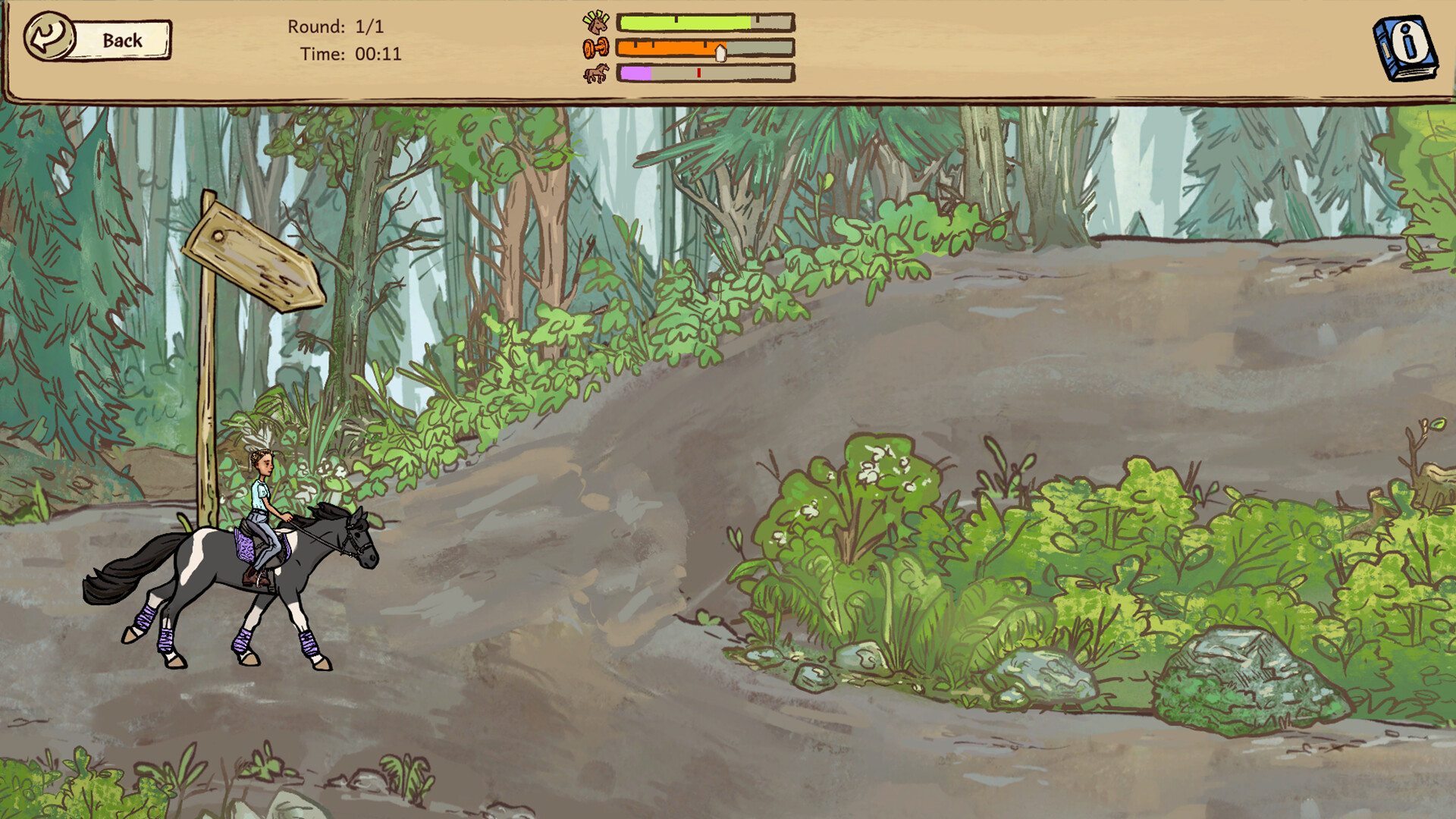
Default riding controls#
Players report that riding sections use WASD and the spacebar. You only need to press a key once to change speed, rather than holding it down. Menus and yard actions use the mouse.
Useful keys#
S (default) praises the horse after you change its gait. Space switches paths on trail rides when the path icon appears. F8 opens the in-game bug report.
Rebinding keys#
All keys can be changed in the settings. Many players move jump to Space or rebind lesson corrections to avoid misclicks.
Accessibility options#
Auto-jump is in the accessibility settings and removes precise jump timing. Jump markers can be shown in training. The developer FAQ also points to difficulty settings, such as easier competitions or increased prestige gain. Steam lists the game as playable without timed input.
Controllers and Steam Deck#
Steam does not list controller support. On Steam Deck, players use the keyboard + mouse preset with the touchscreen; see the platforms page for details.
What still needs verification
A full official key list needs in-game verification.
This page reflects official information and Steam Community answers reviewed on November 6, 2026. Player answers are identified as community reports in the text and sources. It has not been verified against a specific playable build. Suggestions are editorial guidance, not tested outcomes.
Frequently asked questions
Can I play with the mouse only?+
Riding uses keyboard keys, but each speed change needs only one press, and auto-jump reduces timing.
Can I rebind keys?+
Yes, in the settings.
How do I praise my horse?+
Press S right after changing gait.
Sources
- Steam discussion: Controls? (player answers) ↗
- Steam discussion: Correction in Confidence training (player answers) ↗
- Steam discussion: What is the button that allows you to switch paths? (player answers) ↗
- Steam discussion: Is anyone else experiencing crashes? (developer reply) ↗
- Official developer FAQ (Steam Community, Nov 4, 2026) ↗
- Official Steam store ↗
Game: Horses of Hoofprint Bay · Release: November 4, 2026 · Images © Thogli Studios. Editorial policy